下载mihomo:
1
2
3
4
| curl -L -O https://github.com/MetaCubeX/mihomo/releases/download/v1.19.28/mihomo-linux-amd64-v3-v1.19.28.gz
gunzip ./mihomo-linux-amd64-v3-v1.19.28.gz
mv mihomo-linux-amd64-v3-v1.19.28 mihomo
chmod +x ./mihomo
|
然后根据订阅链接下载规则到本地的config.yaml
比如:
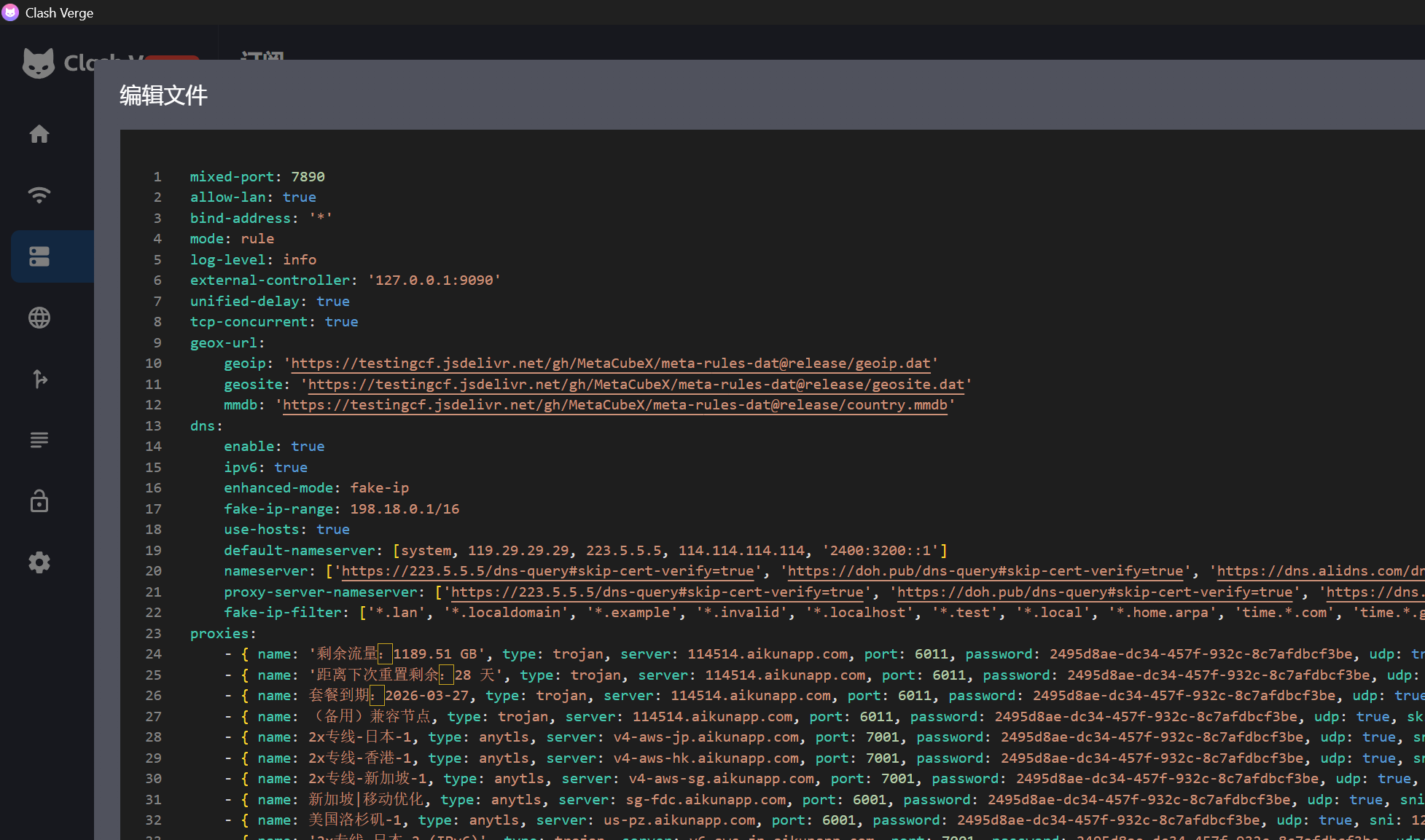 image.png
然后运行mihomo
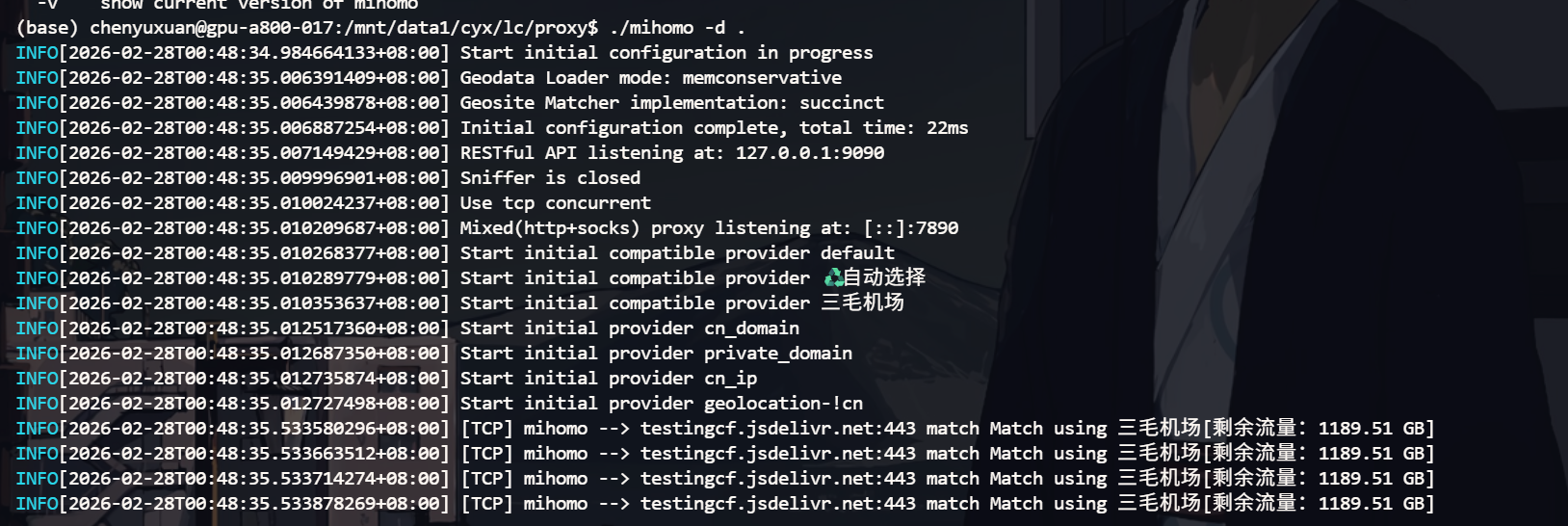 image.png
设置代理:
1
2
| export http_proxy=http://127.0.0.1:7890
export https_proxy=http://127.0.0.1:7890
|
如何查看Web UI(可选)?
建立端口隧道(方便访问Restful API)
1
| ssh -L 9090:127.0.0.1:9090 mist
|
然后有如下的网页API:
1
2
| https://metacubex.github.io/metacubexd/
https://yacd.metacubex.one/
|
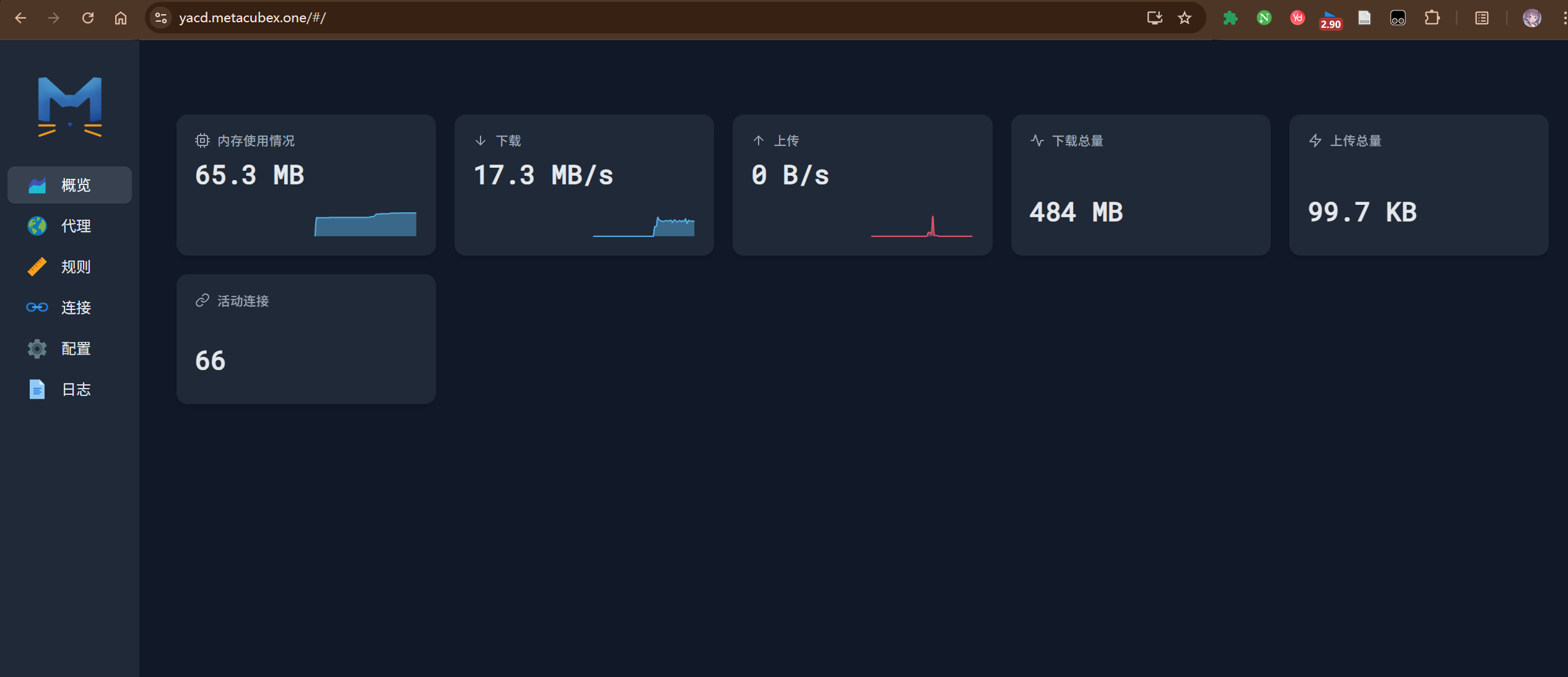 image.png
可能遇到的问题:
可能报错:
1
| Can't find MMDB, start download...
|
这个时候就会一直卡住,需要手动下载,可以临时使用 SSH 代理
1
2
| wget https://github.com/Loyalsoldier/v2ray-rules-dat/releases/latest/download/geoip.dat -O GeoIP.dat
wget https://github.com/Loyalsoldier/v2ray-rules-dat/releases/latest/download/geosite.dat -O GeoSite.dat
|
然后修改 config.yaml,新增如下配置。